


Use songs on iTunes as ringtones on your iPhone
The iPhone fever seems to be endless, with many people having bought a terminal by Apple. Beyond any doubt it is one of the most popular gadgets, mainly due to its multitask conception, where it is noteworthy possibility to launch applications and play multimedia. Well, iRingtunes will take care of customizing your iPhone and make it unique due to its ringtone.
A very easy-to-use ringtone creator for iPhone.
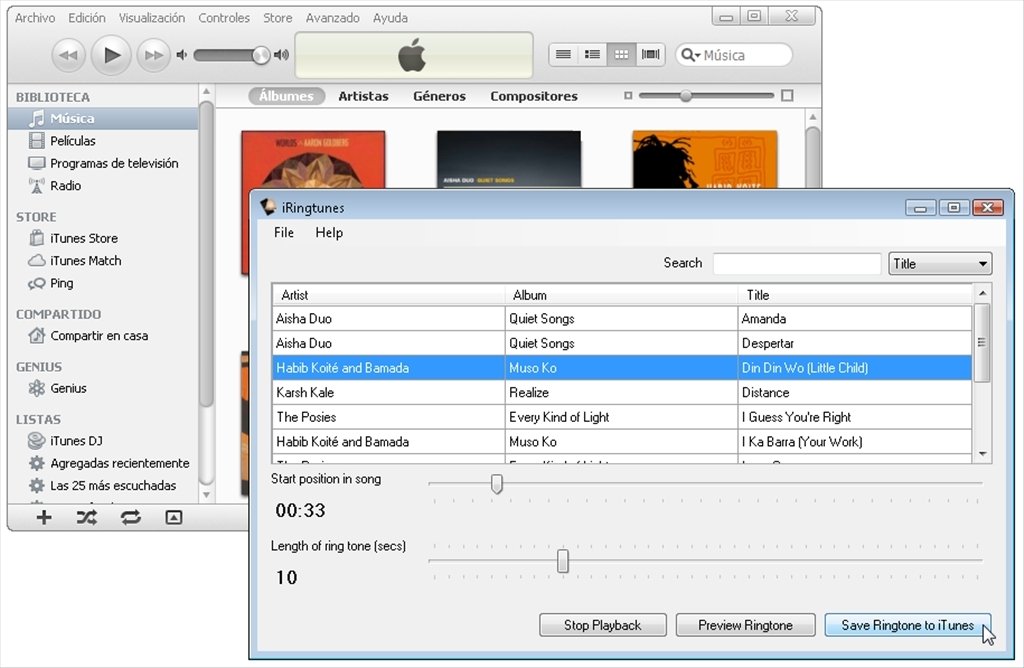
iRingtunes for PC is a tool that imports protection free music (no DRM) from the iTunes library and that will allow you to use it as a ringtone or message notifier. Thus you will be notified thanks to your favorite song or group.
Features
- Import your favorite music and use it as a ringtone or message notifier on your iPhone.
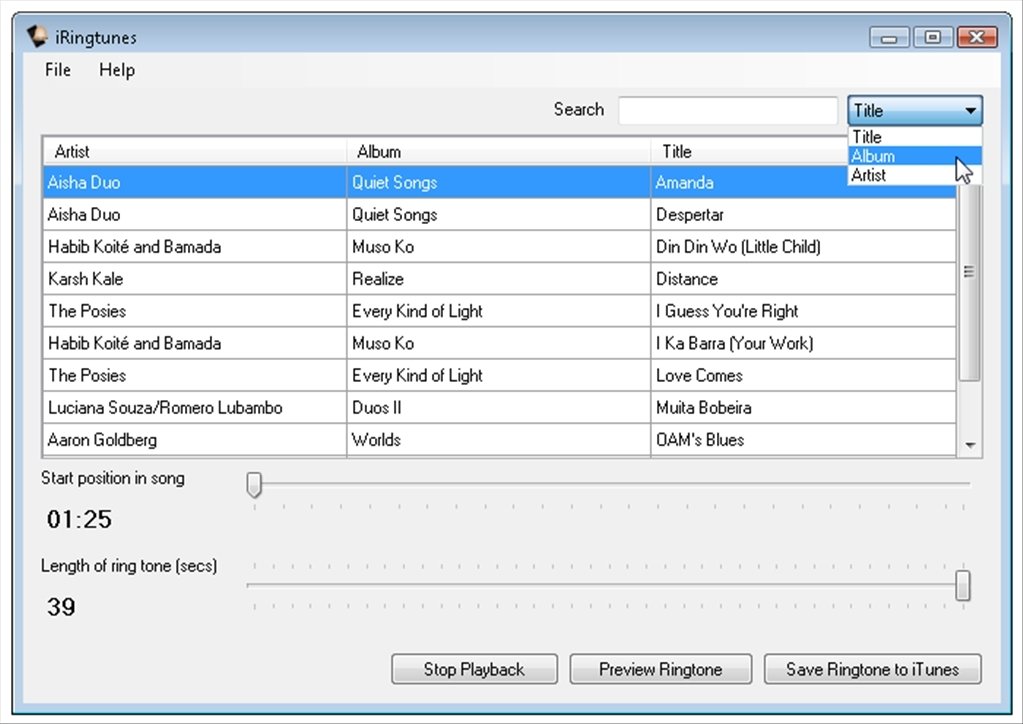
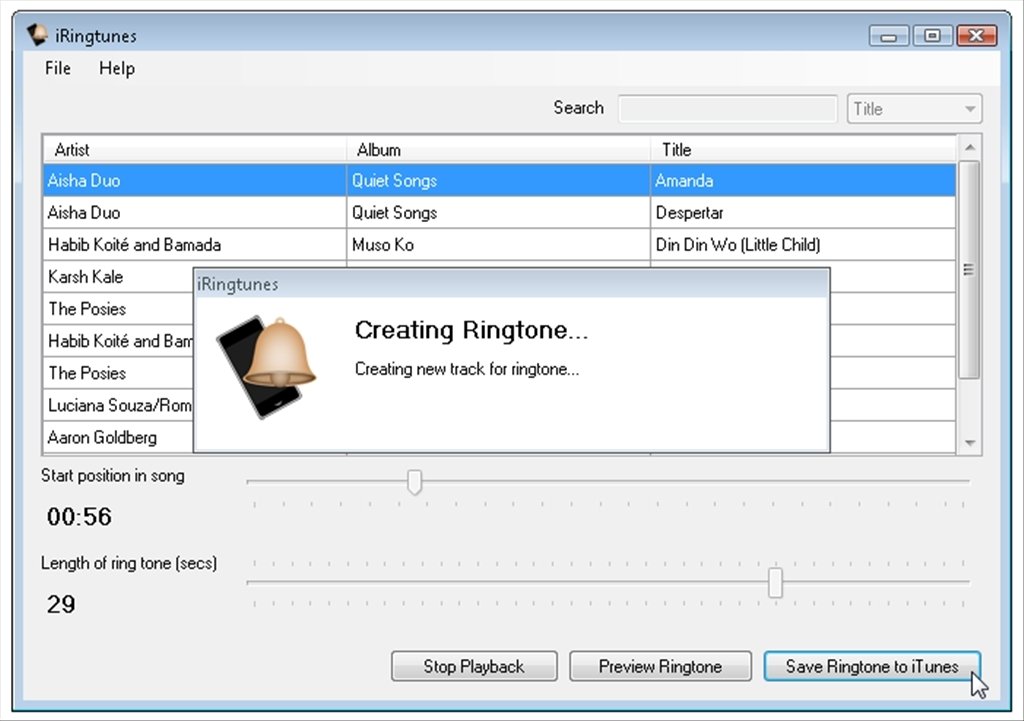
- Choose the sound fragment that you want to use cropping the music to your own liking. You can use up to 39 seconds.
- Preview the results before establishing a song as ringtone.
- Synchronize your new ringtone automatically once you connect your iPhone to your PC.
- Search the whole library by song, artist or album.
Customize your iPhone
To start the process you only have to download iRingtunes and launch it while iTunes is also active. iRingtunes will detect the full library and will start scanning it to make it transferable to the device. You have to take into account that you can only use songs that are DRM protection free, thus many songs that you buy via iTunes won't be compatible.
Try out the features offered by iRingtunes right now, with the possibility to buy its license if you like the options it offers you, something that many people have already done. Customize the ringtones of your iPhone once you download iRingtunes will make you stand out in the crowd.
Requirements and additional information:
- This download requires that you have .NET Framework 2.0 or above installed on your computer.
- The trial version only allows to create three tones.
 Héctor Hernández
As a technology journalist with over 12 years of experience in the world of software and apps, I have had the opportunity to try all kinds of devices and operating systems over the years. I have done from software or mobile applications reviews...

Antony Peel